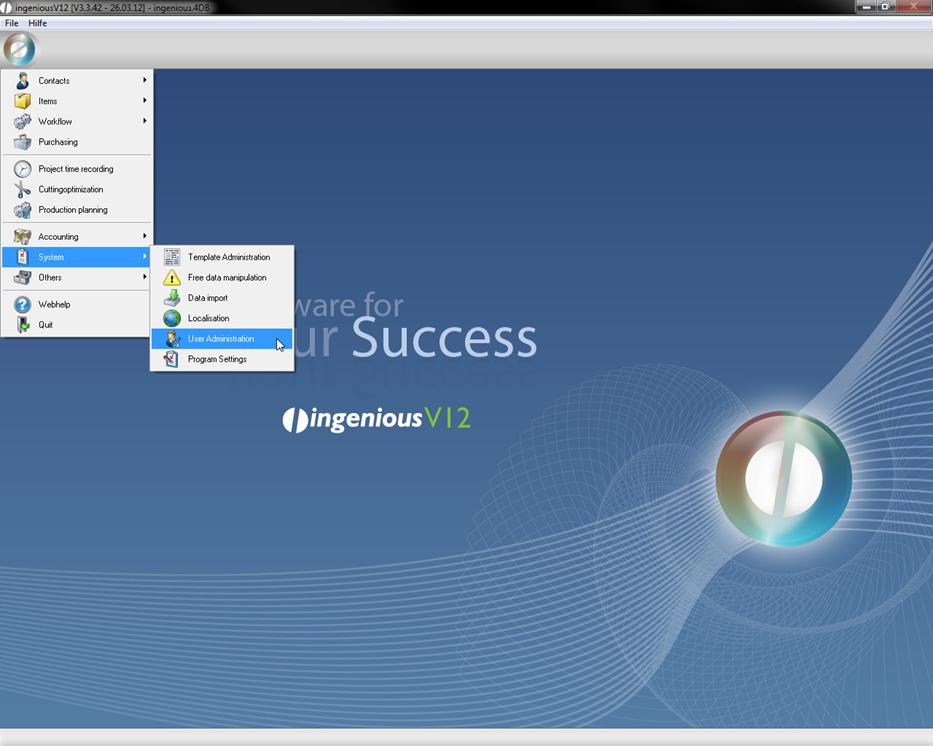
Not every department needs access to all areas of the workflow. In the user administration, you determine who may do what in which modules with the corresponding rights. For the user administration, you arrive at the Ingenious.V12 menu item “System”.
The green checkmark in front of the respective functions indicates the access right. By double-clicking on it, a red cross which closes the access for this function or the whole module appears.
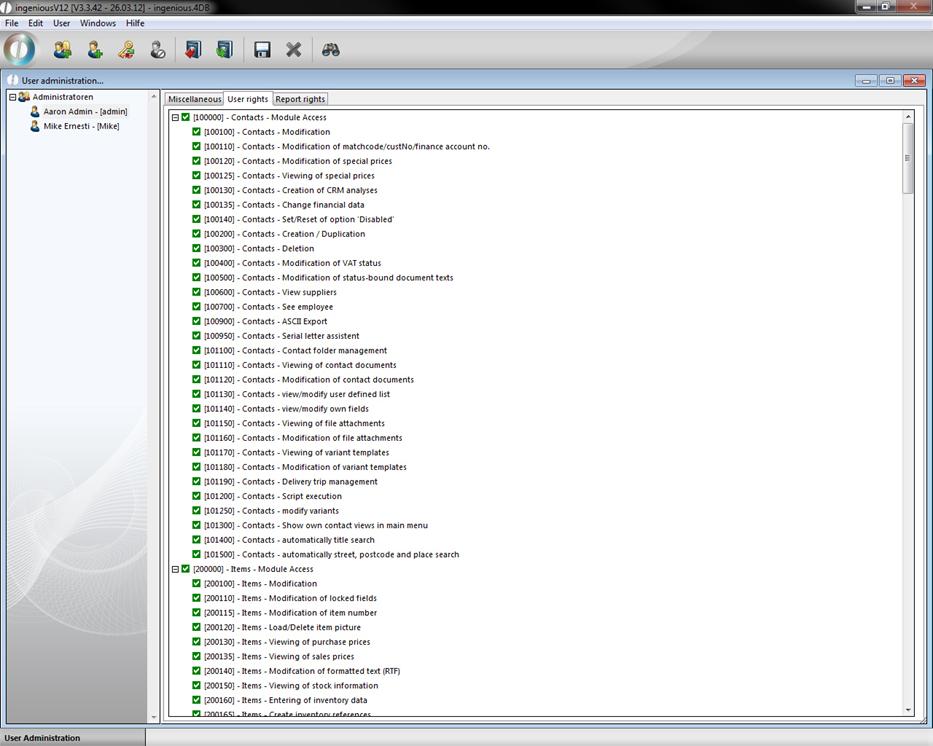
View of the user rights
You regulate the possibility for printing different reports the same way as in the report rights. This is how you guarantee that data security regulations are kept (i.e.., on commission accounts) and you also guarantee that unauthorized users do not have access to internal information (e.g., profit figures).
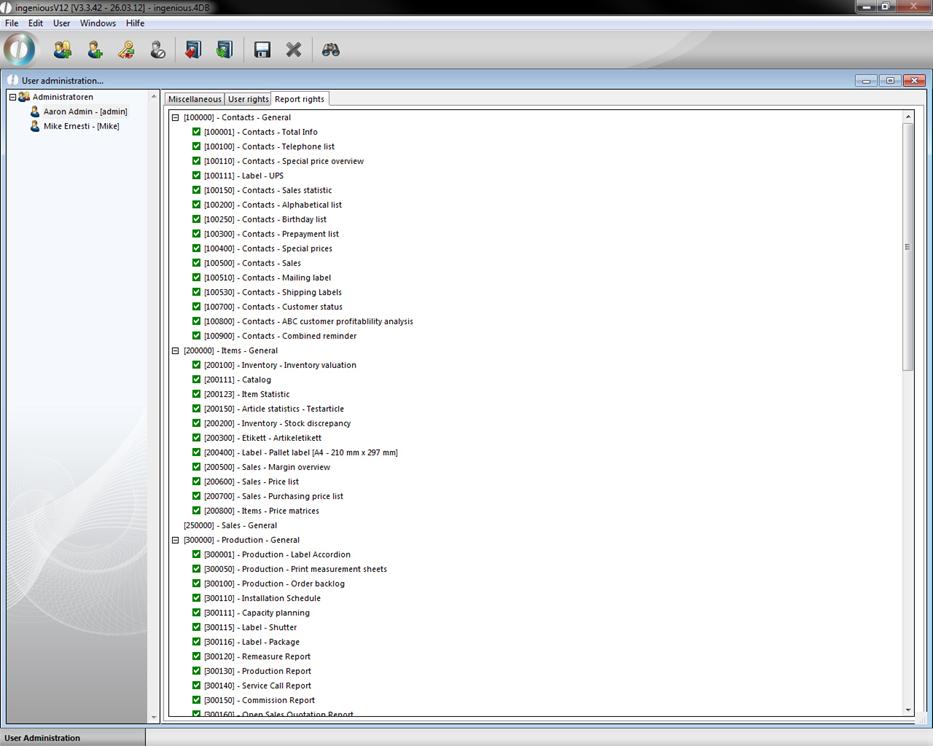
View of the report rights
All employees can have access to the necessary areas according to their expertise. An inadvertent deletion of important data is avoided as much as possible. Closed modules are no longer indicated in the main menu.
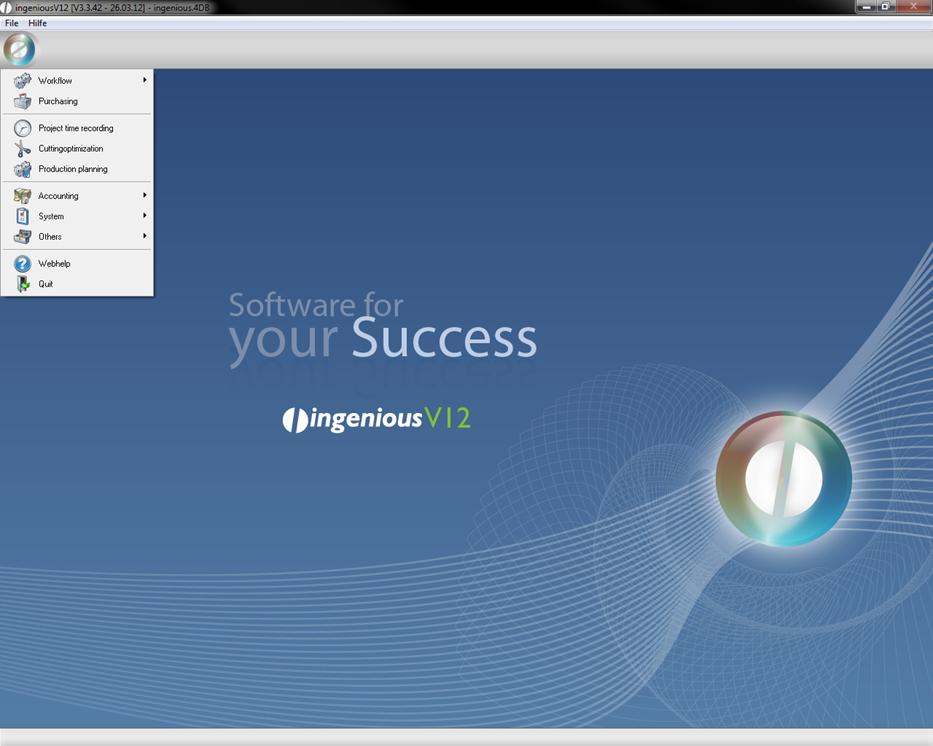
Sample view of locking the “Contacts” and “Items” modules
The documents locked for the respective administrators are not selectable. When attempting to open a document from a locked area, the user receives the following announcement.
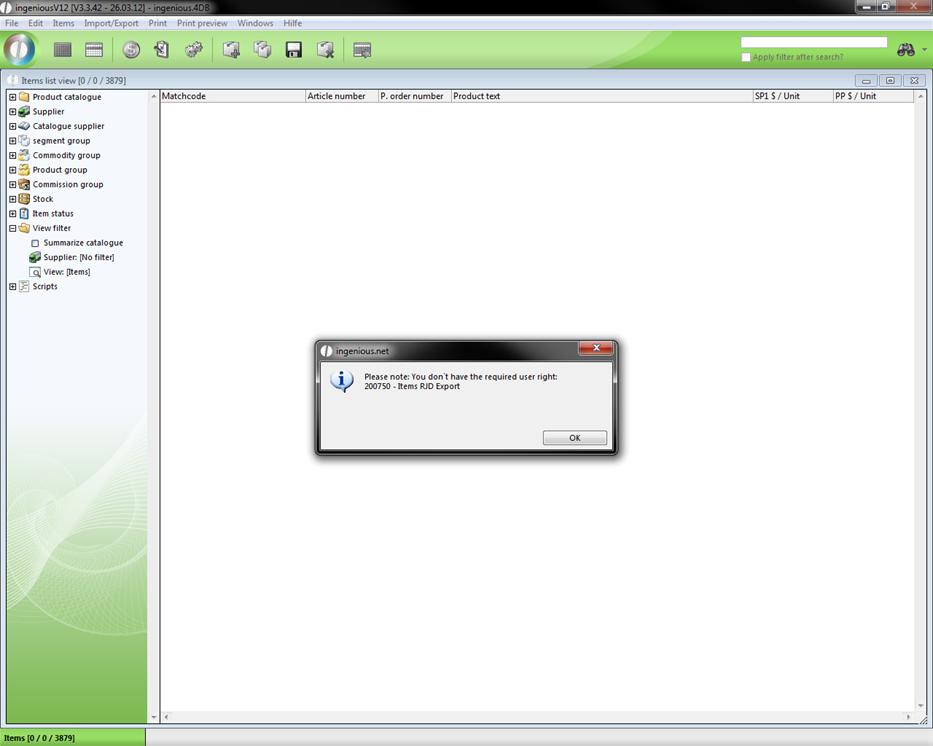
Dialog field missing user rights